Your apps now cost a few push-ups
CheerUp puts a workout between you and distracting apps. Finish a challenge to earn a timed unlock, then get back to your day.
A blocker with a reason to move
Choose what to block, pick an exercise, and earn access when you finish.
Screen Time app blocking
Select the apps you want to limit. CheerUp uses Apple’s Screen Time controls to shield them until you complete your challenge.
Six exercise challenges
Choose push-ups, squats, jumping jacks, high knees, lunges, or a plank timer.
Rep counting that fits
Count push-ups with the proximity sensor or use on-device camera pose detection for supported exercises.
Timed access
Earn a 15, 30, or 60 minute window with your selected apps available, then blocking returns automatically.
Workout history
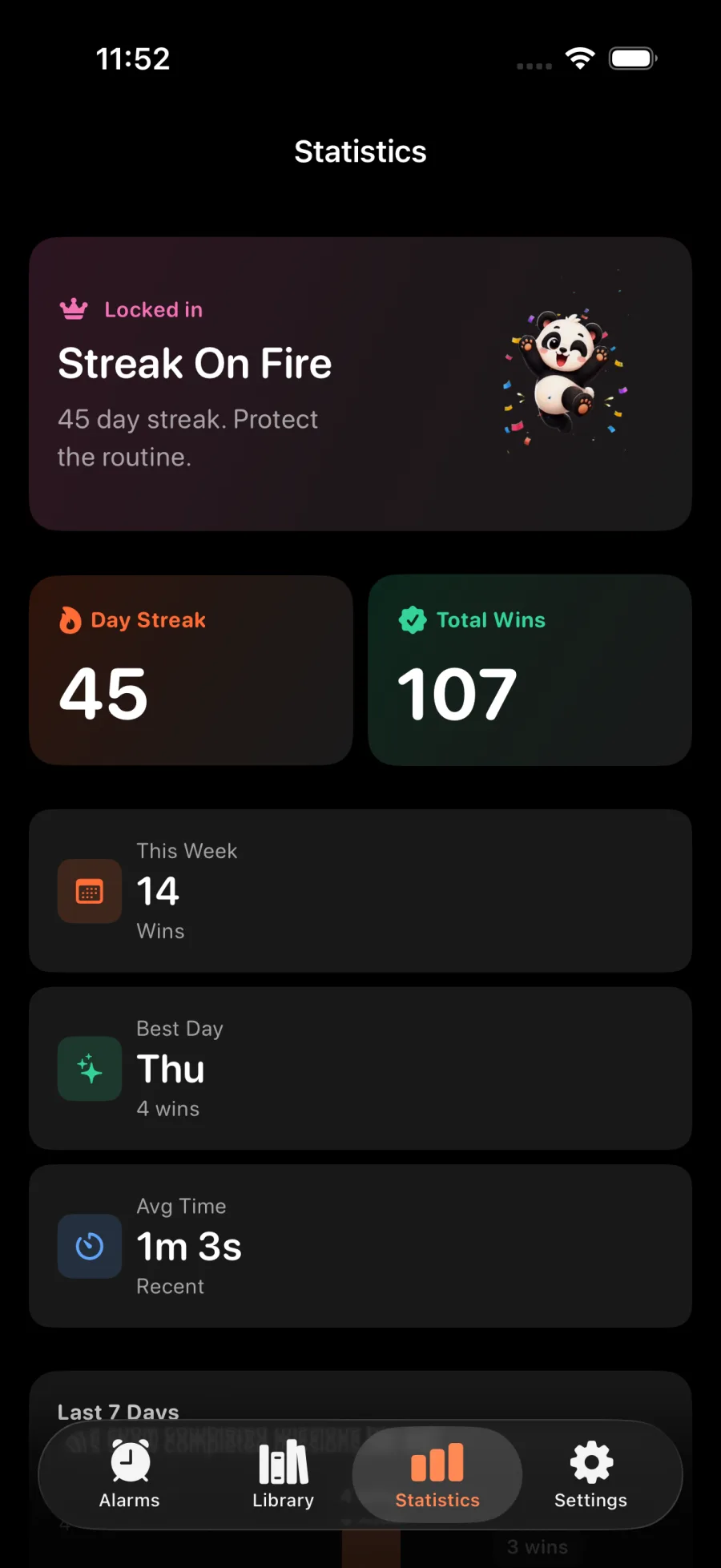
Review completed sessions, totals, and streaks in the app and home-screen widget.
CheerUp Pro
The free plan includes app blocking, push-up counting, and a plank timer. Pro adds camera rep counting and more exercises.
From blocked to earned
A clear challenge turns an automatic scroll into a choice.
Screen Time app blocking
Select the apps you want to limit. CheerUp uses Apple’s Screen Time controls to shield them until you complete your challenge.
Timed access
Earn a 15, 30, or 60 minute window with your selected apps available, then blocking returns automatically.
Progress you can see
Review your sessions and streaks to see how often you earned your screen time.
Designed for your iPhone
CheerUp uses Apple Screen Time and on-device exercise detection to connect focus with movement.
You choose what gets blocked
Select apps and categories through Apple’s Screen Time picker. CheerUp uses those choices to apply app shields.
Automatic re-locking
Your unlock window ends on schedule and selected apps are blocked again.
A focused iPhone app
Set your challenge, start a workout, and see your progress in CheerUp.
On-device camera counting
For supported exercises, Apple Vision detects body poses on your iPhone. Video is not sent to CheerUp servers.
Progress you can see
Review your sessions and streaks to see how often you earned your screen time.
Set your own target
Choose the exercise, repetition goal, and unlock duration that work for you.
Ready to move before you scroll?
Choose a few apps to block and turn your next unlock into a quick workout.
Free to download · iPhone app